
A solo attorney billing $250 an hour who spends three hours formatting a contract is quietly losing money every single time it happens.
That's the real cost most solo practitioners and small firms underestimate. It's not just the hours — it's the opportunity cost of not taking on another client because the current caseload is eating every available minute on administrative work. AI tools exist specifically to claw that time back, but only if you use them the right way.
Start by picking one workflow to automate first, not five. Trying to overhaul document drafting, client intake, research, and billing all at once is how solo attorneys burn out on new tools within a month. Pick the task that eats the most hours weekly — for most solo practices, that's document drafting or contract review — and get comfortable there first.
Build a template library before you lean on AI heavily. AI drafting tools work best when they’re filling in specifics around a structure you trust, not generating an entire document from a blank page every time. Feed your AI tool your firm’s preferred clause language, and you’ll get outputs that already sound like you instead of generic boilerplate you have to rewrite anyway.
Set a hard rule that every AI-generated draft gets a human read-through before it reaches a client. This isn’t optional, and it isn’t slow if you build it into your process correctly. A fifteen-minute review of an AI-drafted lease addendum still beats ninety minutes of drafting from scratch, and it keeps you fully in control of what goes out under your name.
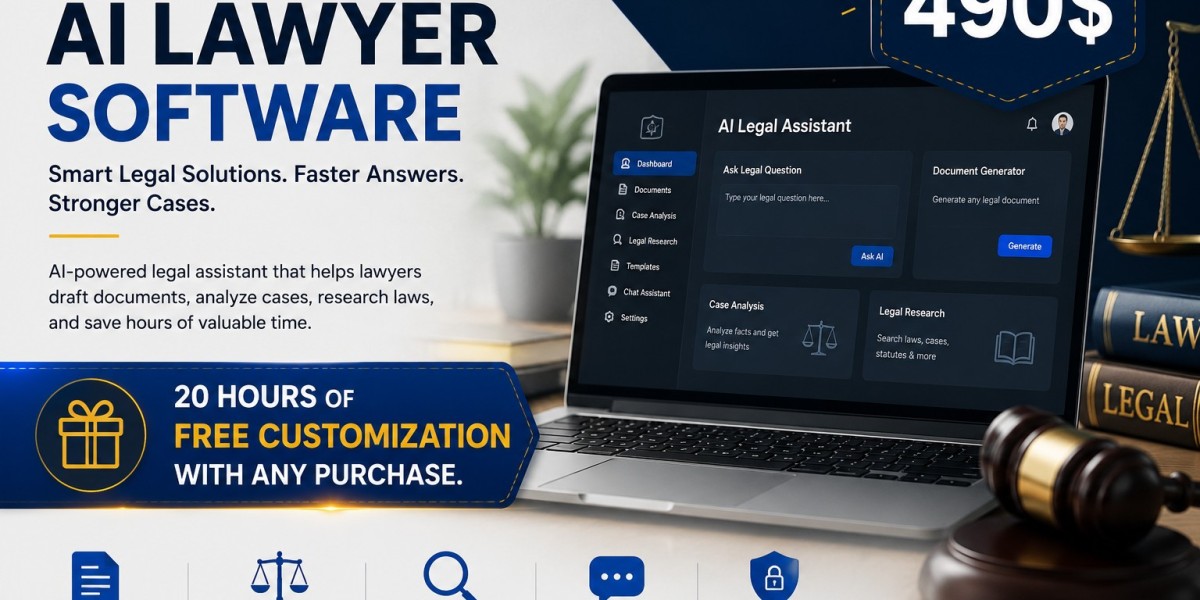
Use AI for client communication drafts, not just legal documents. Intake emails, status updates, and plain-language explanations of legal concepts are exactly the kind of writing that eats up a solo attorney’s evening. A tool like Zipprr’s AI legal assistant can draft a first pass of that email while you focus on the actual legal analysis clients are paying for.
Track your time before and after adopting an AI tool for a specific task. A rough log for two weeks tells you exactly where the tool is earning its keep. If a task isn’t getting meaningfully faster, adjust your prompts before you abandon the tool entirely.
Don’t skip the learning curve on prompting. The gap between a mediocre AI output and a genuinely useful one is often just how specific your instructions were. Attorneys who spend an afternoon learning to prompt effectively — specifying jurisdiction, tone, document type, and key terms upfront — get dramatically better results than those who type one line and hope for the best.
Use AI to catch what tired eyes miss. Reviewing a contract for the fifth time in a day makes anyone less sharp, and that’s exactly when an AI second pass earns its value — flagging an inconsistent defined term or a missing indemnification clause you might otherwise skim past. This is one of the most practical AI tips for solo attorneys precisely because fatigue-driven errors are so common in small practices with no backup reviewer.
Keep client confidentiality at the center of every tool decision you make. Before feeding any client document into an AI platform, confirm how that platform handles data storage and whether it’s built with legal-industry confidentiality standards in mind. This one step protects both your clients and your bar license, so it’s worth the ten minutes it takes to verify. Zipprr was built with that concern in mind from the start, since solo attorneys can’t afford to gamble with client data the way a large firm’s IT department might absorb the risk.
Compare a couple of platforms before committing to one long term. Some AI legal tools tips worth testing during a trial period include how well the tool handles jurisdiction-specific language, how fast support responds to a stuck workflow, and whether pricing scales sensibly as your caseload grows.
Don’t try to replace your judgment with the tool’s output — replace your typing time instead. The attorneys getting the most value from AI legal tools treat them as a fast first draft generator, not a decision-maker. You’re still the one deciding what argument to make, what risk to flag, and what advice to give.
Batch similar tasks together. Reviewing five NDAs back-to-back with an AI assistant open beats switching between drafting, research, and review all day — the context-switching cost disappears, and patterns across documents get easier to spot.
Revisit your toolset every quarter. AI legal tools improve fast, and a platform that felt limited six months ago may handle tasks it couldn’t before. Set a recurring reminder to reassess your stack instead of picking a tool once and forgetting about it.
Running a lean practice doesn’t mean cutting corners — it means being ruthless about where your hours go. Applying these AI tips for solo attorneys consistently, rather than sporadically, is what turns a helpful tool into a genuine competitive advantage against firms with ten times your headcount.
FAQ
Q1: What’s the best first task for a solo attorney to automate with AI?
Document drafting or contract review usually delivers the fastest, most noticeable time savings for solo practitioners, so it’s the smartest place to start.
Q2: Is it safe for a solo attorney to upload client documents to an AI tool?
Only if the platform has clear data handling practices built for legal confidentiality standards — always confirm this before uploading anything client-related.
Q3: How much time can AI legal tools realistically save a solo attorney weekly?
Many solo attorneys report saving several hours a week on drafting and research alone, though results vary depending on how well the tool is integrated into daily workflow.
Q4: Do I need technical skills to use AI legal tools effectively?
No, but learning how to write clear, specific prompts makes a significant difference in output quality, and that skill takes just a little practice to build.
Q5: Can AI tools help with client communication, not just documents?
Yes, AI can draft intake emails, status updates, and plain-language explanations of legal concepts, freeing up time for higher-value client conversations.
Q6: Should a solo attorney still review every AI-generated document personally?
Always. AI output should be treated as a first draft requiring a human review before it reaches a client or gets filed anywhere.
Q7: How often should a solo attorney reassess their AI tool choices?
Roughly every quarter, since AI legal tools are quickly improving and a platform that felt limited months ago may now handle far more.
Q8: What makes Zipprr a good fit for solo attorneys specifically?
It's designed around the workflows solo practitioners actually run daily, like fast document drafting and plain-language review, rather than enterprise features a one-person practice doesn't need.
CTA
Your evenings shouldn't disappear into formatting contracts and rewriting the same intake email. Give Zipprr's AI Lawyer a real trial run this week and measure how many hours it hands back to your practice.