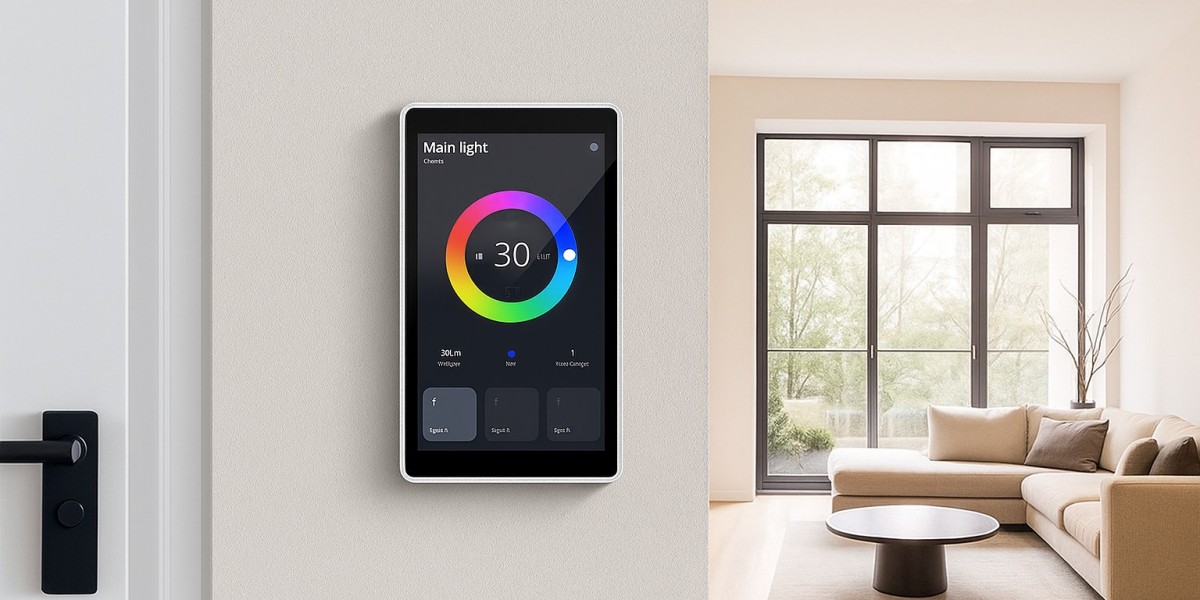

The UK 86-type wall box is widely used for square wall-mounted control devices. A compatible smart panel normally uses a matching rear bracket or mounting structure.
The installation process usually includes:
- Fix the mounting bracket onto the 86-type wall box.
- Connect the RJ45 Ethernet cable to the PoE port.
- Place the cable inside the wall box carefully.
- Secure the smart panel onto the bracket.
- Power on the PoE connection and complete software setup.
A compact 4-inch panel is especially suitable for replacing traditional switches because it maintains a similar wall footprint while adding touchscreen functionality.
Installing into EU Standard Wall Boxes
European wall installations often use different box structures compared with UK designs. Therefore, smart panel manufacturers usually provide compatible brackets or customized mounting solutions.
For EU installation, the process is similar:
- Install the compatible mounting frame
- Connect the Ethernet cable
- Secure the panel to the wall box
- Configure the software system
A flexible mechanical design allows the same smart panel platform to be adapted for different regional markets.
Customized outdoor LED display solutions for commercial buildings
What Is Digital Display in Advertising?
What is the best smart home automation system?
What Are the Smart Home Brands in China?
What is the most popular smart home system?
What is a digital display screen?
How to Install a KNX Smart Home Panel in a Standard 86 Type Wall Box
What is KNX? KNX Smart Panel for Lighting and HVAC
What is a Smart Panel in Android?
How an Android Smart-Home Control Panel Transforms Modern Living
Custom Shape Digital Advertising Screens
Android Digital Advertising Screens Manufacturer
How to Program KNX Touch Control in ETS6: Step-by-Step Guide
What is a KNX control system?
KNX Touch Control 4 Inch vs 10 Inch: Which Smart Panel Is Right for You?
Checkout Counter Small Digital Signage Screen
OEM/ODM customization services for smart control panels
Why Choose Android over Linux for Commercial Smart Control Hubs
Smart Control Panel System on Module (SoM) Solutions